|
We built blanket forts, they build Minecraft levels. We scrounged together cardboard props, they 3D print to the max. We battled action figures, they build BattleBots® from the ground up and compete in the arena. Camp is right around the corner! Now’s the time to secure your spot in the summer of everything. Use code CAMP at checkout for: • $150 off camps & academies • $100 off virtual camps • $100 off private lessons summer packs *For a limited time. $150 off applies only to on-campus camps and academies. $100 off applies only to virtual camps. $100 off applies only to packs of private lessons. Promo code may be used once per child per program. Promo code can not be applied to previous purchases or combined with other offers. |

Scratch Coding Classes for Kids
Ages: 7-19
Format: Online & In-Person
Duration: Hourly Lessons or Week-long Camps
With Scratch, kids learn to code using drag-and-drop or block-based coding, which allows them to explore fundamental concepts and create their own animated games and stories!
As opposed to text-based coding, Scratch offers bright visuals and engaging design to elevate the learning process—making it a popular online and in-person course option for young coders. Continue reading or get started with the buttons below:
Registration is live—seats fill quickly!
Find a Scratch course

Scratch Online Courses & Summer Learning
Coding Camp: Virtual Robotics and Scratch
iD Tech Camps | Weeklong | Ages 7–9
Coding with Scratch and VEX Virtual Robotics
Virtual Tech Camps | Weeklong | Ages 7–9
Scratch Tutoring
Online Private Lessons | 60-minutes | Ages 7-19

How is Scratch coding different from other coding experiences?
As mentioned, Scratch teaches coding through drag-and-drop code blocks for a visual learning experience, making it extremely popular among the different kids' coding languages.
Rather than dealing with the complexities of traditional text-based coding, Scratch "chunks" up the coding experience through motion blocks (to control movement), looks blocks (to change a sprite's appearance), and sound blocks (to add sounds).
These "sprites" as mentioned above can be thought of as the game's images and can be created within Scratch as well, allowing kids to design with a number of artistic tools.
Join over 1 million parents who trust iD Tech.
Questions?
Have additional questions about our Scratch coding courses or would like a personalized recommendation?
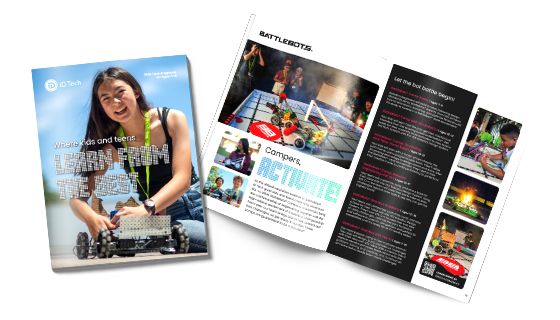
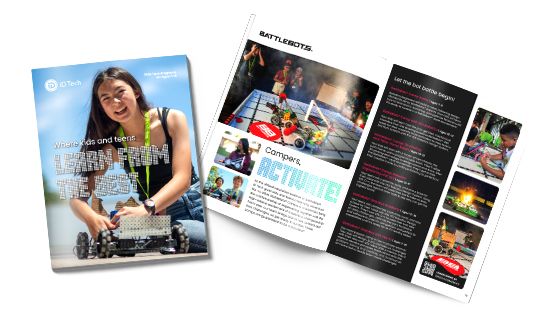
Download a brochure
Download a brochure and learn why iD Tech is the top-rated tech camp—plus receive exclusive promotions.